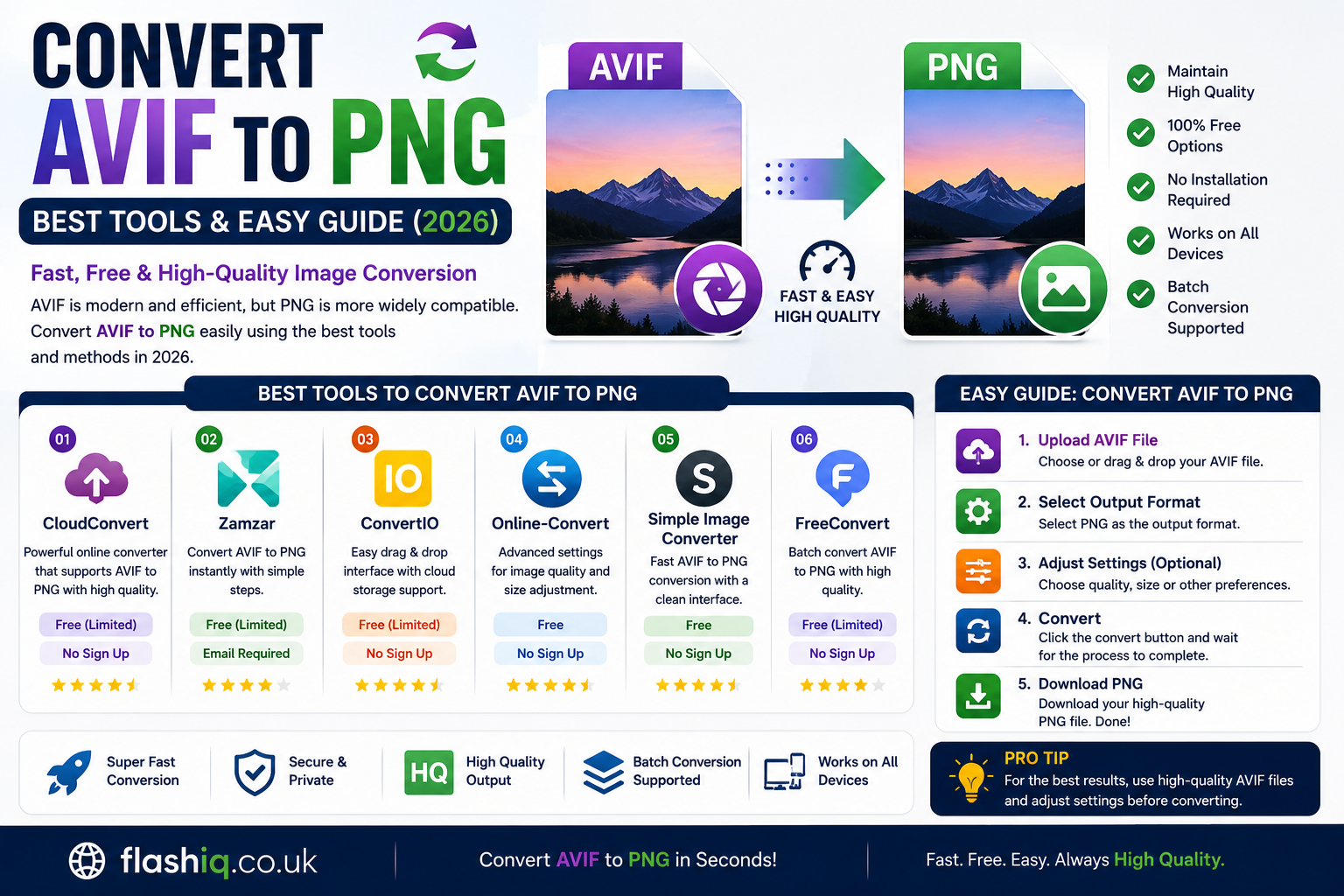
Convert AVIF to PNG Best Tools & Easy Guide (2026)
If you’ve ever downloaded an AVIF image only to discover that your favorite software, website, or device doesn’t support it, you’re not alone. While AVIF is becoming increasingly popular because of its excellent compression and image quality, many applications still work better with PNG files. That’s why many users need a reliable way to convert AVIF to PNG without losing image quality.
Whether you’re a designer, blogger, developer, student, or casual user, learning how to convert AVIF to PNG can save time and improve compatibility across different platforms. Fortunately, there are numerous online tools and desktop applications that make the conversion process simple and fast.
In this guide, we’ll explain everything you need to know about convert AVIF to PNG, compare the best software, discuss important features, and help you choose the right converter for your needs.
Quick Summary
- AVIF offers excellent compression but limited compatibility.
- PNG is widely supported across nearly all devices and software.
- You can convert AVIF to PNG using online converters or desktop software.
- Some tools preserve transparency and original image quality.
- Free converters work well for occasional use.
- Professional users may benefit from advanced desktop applications.
- This guide compares the best tools available in 2026.
Best Software to Convert AVIF to PNG
Comparison Table
| Software | Platform | Free Version | Batch Conversion | Best For | Rating |
|---|---|---|---|---|---|
| CloudConvert | Web | Yes | Yes | Fast online conversion | ⭐⭐⭐⭐⭐ |
| Convertio | Web | Yes | Limited | Beginners | ⭐⭐⭐⭐☆ |
| XnConvert | Windows, macOS, Linux | Yes | Yes | Bulk image conversion | ⭐⭐⭐⭐⭐ |
| GIMP | Windows, macOS, Linux | Yes | Manual | Image editing + conversion | ⭐⭐⭐⭐☆ |
| ImageMagick | Windows, macOS, Linux | Yes | Yes | Developers & automation | ⭐⭐⭐⭐⭐ |
What Is AVIF?
AVIF (AV1 Image File Format) is a modern image format developed to provide outstanding image quality while keeping file sizes remarkably small. It uses the AV1 compression codec, making it one of the most efficient image formats available today.
Although AVIF delivers impressive compression and supports HDR, transparency, and wide color gamuts, many older applications and devices still don’t fully support it. Because of this compatibility issue, many users need to convert AVIF to PNG before editing, sharing, or uploading images.
What Is PNG?
PNG (Portable Network Graphics) is one of the world’s most popular image formats. It supports lossless compression, transparency, and excellent compatibility with websites, graphic design software, office applications, and operating systems.
When you convert AVIF to PNG, you gain maximum compatibility without worrying about unsupported file formats.
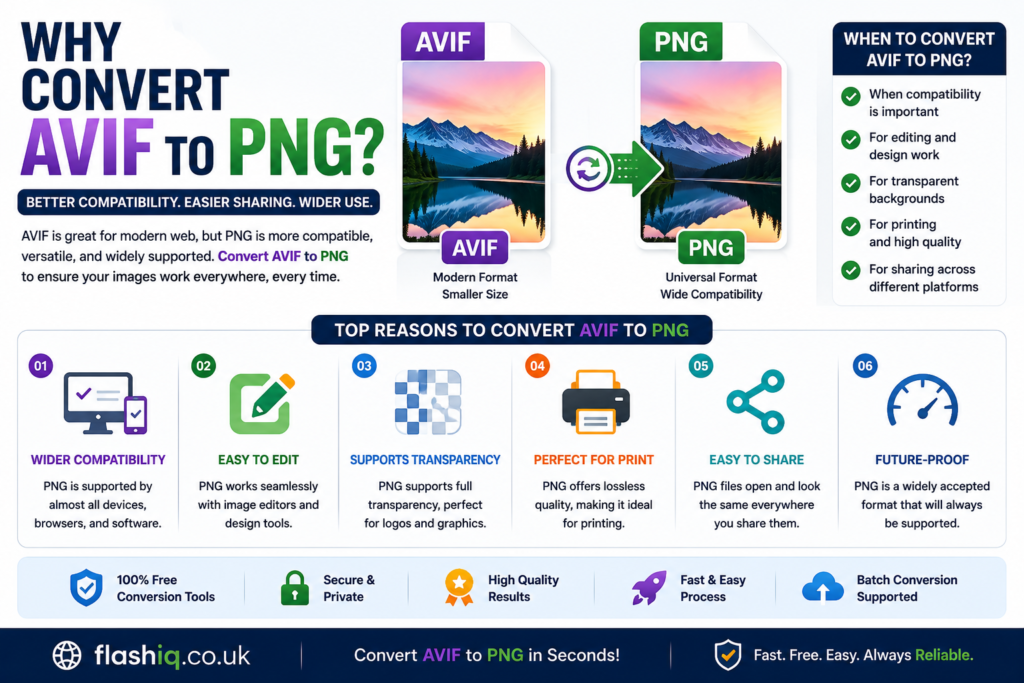
Why Convert AVIF to PNG?
Better Compatibility
PNG works almost everywhere. If a program cannot open AVIF files, converting them solves the problem immediately.
Easier Editing
Most image editors fully support PNG, making it much easier to modify images after you convert AVIF to PNG.
Ideal for Web Graphics
Many websites and CMS platforms accept PNG without any issues.
Supports Transparency
PNG maintains transparent backgrounds, which is especially useful for logos, icons, and graphic assets.
No Quality Loss During Storage
PNG uses lossless compression, preserving image details after you convert AVIF to PNG.
Benefits of Converting AVIF to PNG
Universal File Support
Almost every operating system, browser, and image viewer supports PNG.
Simple Sharing
Friends, clients, and coworkers can easily open PNG images without installing additional software.
Better Software Compatibility
Professional tools like Photoshop, Illustrator, Canva, and Office applications all support PNG.
Easier Printing
Most printing services prefer PNG over newer formats.
Things to Consider Before You Convert AVIF to PNG
File Size Will Increase
AVIF is much smaller than PNG. After you convert AVIF to PNG, expect larger file sizes.
Compression Differences
PNG uses lossless compression, while AVIF uses advanced compression techniques to reduce storage.
Batch Conversion
If you have hundreds of images, choose software that supports batch processing.
Preserve Transparency
Ensure the converter keeps transparent backgrounds intact if your images require them.
Online vs Desktop Converters
Online Converters
Advantages
- No installation required
- Works on any operating system
- Fast for occasional conversions
- User-friendly interfaces
Disadvantages
- Upload speed depends on internet connection
- File size limitations
- Privacy concerns for sensitive images
Desktop Software
Advantages
- Faster for bulk conversion
- Works offline
- Better privacy
- More customization options
Disadvantages
- Installation required
- Some advanced tools have a learning curve
Common Reasons People Convert AVIF to PNG
- Website image uploads
- Graphic design projects
- School assignments
- Office presentations
- Printing documents
- Social media graphics
- Blog publishing
- Image editing
- Digital marketing
- File compatibility with older software
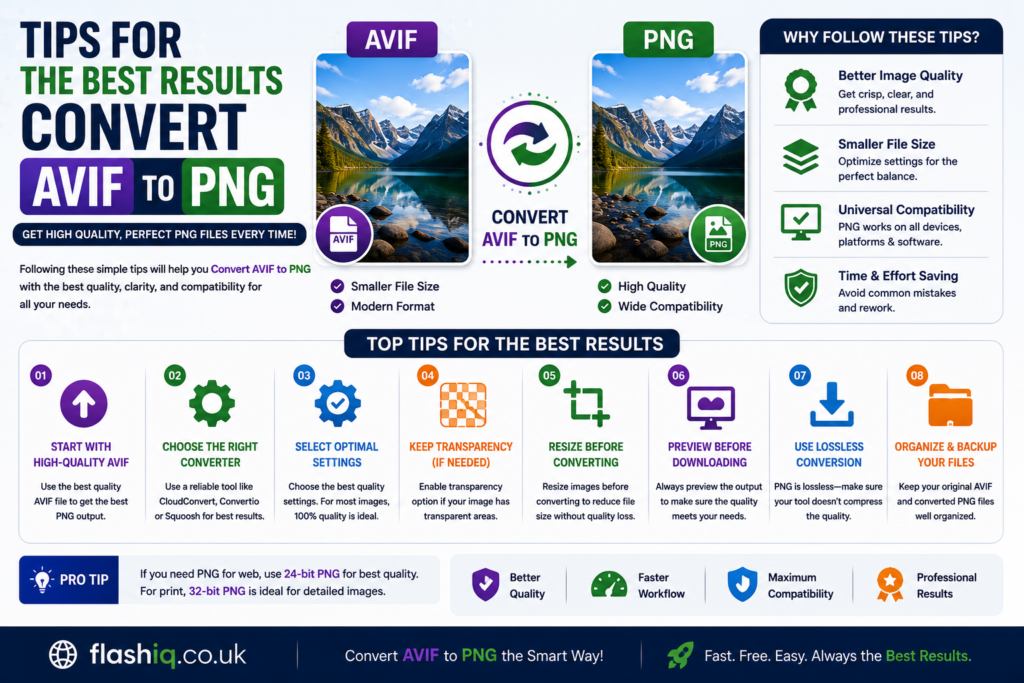
Tips for the Best Results
Keep the Original File
Always save your original AVIF image before converting.
Choose Lossless Settings
Whenever available, use the highest quality export settings.
Use Batch Conversion
If converting many images, batch processing can save significant time.
Verify Transparency
Check that transparent backgrounds remain intact after you convert AVIF to PNG.
Update Your Software
Modern converters often improve quality and speed through regular updates.
| Software | Platform | Free Version | Batch Conversion | Best For | Rating |
|---|---|---|---|---|---|
| Adobe Photoshop | Windows, macOS | Trial Available | Yes | Professional image editing and conversion | ⭐⭐⭐⭐⭐ |
| Paint.NET | Windows | Yes | With plugins | Windows users seeking a lightweight editor | ⭐⭐⭐⭐☆ |
| IrfanView | Windows | Yes | Yes | Fast image viewing and bulk conversion | ⭐⭐⭐⭐⭐ |
| FFmpeg | Windows, macOS, Linux | Yes | Yes | Command-line image processing and automation | ⭐⭐⭐⭐☆ |
| FreeConvert | Web | Yes | Limited | Quick online conversions without installation | ⭐⭐⭐⭐☆ |
Feature Comparison Table
| Feature | CloudConvert | Convertio | XnConvert | GIMP | ImageMagick | Photoshop | Paint.NET | IrfanView | FFmpeg | FreeConvert |
|---|---|---|---|---|---|---|---|---|---|---|
| AVIF Support | ✅ | ✅ | ✅ | ✅ | ✅ | ✅ | Plugin | ✅ | ✅ | ✅ |
| PNG Output | ✅ | ✅ | ✅ | ✅ | ✅ | ✅ | ✅ | ✅ | ✅ | ✅ |
| Batch Conversion | ✅ | Limited | ✅ | ❌ | ✅ | ✅ | Plugin | ✅ | ✅ | Limited |
| Transparency Support | ✅ | ✅ | ✅ | ✅ | ✅ | ✅ | ✅ | ✅ | ✅ | ✅ |
| Offline Use | ❌ | ❌ | ✅ | ✅ | ✅ | ✅ | ✅ | ✅ | ✅ | ❌ |
| Image Editing | Basic | Basic | Basic | Advanced | Limited | Advanced | Moderate | Basic | None | None |
| Beginner Friendly | ⭐⭐⭐⭐⭐ | ⭐⭐⭐⭐⭐ | ⭐⭐⭐⭐☆ | ⭐⭐⭐☆☆ | ⭐⭐☆☆☆ | ⭐⭐⭐⭐☆ | ⭐⭐⭐⭐☆ | ⭐⭐⭐⭐☆ | ⭐⭐☆☆☆ | ⭐⭐⭐⭐⭐ |
Pricing Comparison Table
| Software | Free Plan | Paid Version | Starting Price |
|---|---|---|---|
| CloudConvert | Yes | Subscription & Credits | Pay-as-you-go |
| Convertio | Yes | Premium | From approximately $9.99/month |
| XnConvert | Yes | Free for personal use | Free |
| GIMP | Yes | No | Free |
| ImageMagick | Yes | No | Free |
| Adobe Photoshop | Trial | Yes | From approximately $22.99/month |
| Paint.NET | Yes | Microsoft Store Support Version | From approximately $7 |
| IrfanView | Yes | Commercial License | Low one-time fee |
| FFmpeg | Yes | No | Free |
| FreeConvert | Yes | Premium | From approximately $12/month |
How to Choose
Choosing the right tool to convert AVIF to PNG depends on how often you perform conversions and what additional features you need.
If you only convert images occasionally, an online converter such as CloudConvert or Convertio is usually the quickest option. These services work directly in your browser and require no installation.
For users handling hundreds of images, desktop applications like XnConvert, IrfanView, or ImageMagick are more efficient because they support batch conversion and work offline.
Professional designers who edit images after they convert AVIF to PNG may prefer Adobe Photoshop or GIMP due to their advanced editing capabilities.
If privacy is important, offline software is generally the better choice since your images remain on your computer instead of being uploaded to external servers.
Our Recommendation
After comparing the available options, these are our top recommendations:
- Best Overall: XnConvert
- Best Online Converter: CloudConvert
- Best Free Desktop Software: IrfanView
- Best for Professionals: Adobe Photoshop
- Best for Developers: ImageMagick
- Best for Beginners: Convertio
For most users looking to convert AVIF to PNG, XnConvert provides the ideal combination of speed, image quality, batch processing, and ease of use.
Conclusion
Learning how to convert AVIF to PNG is useful because PNG remains one of the most widely supported image formats across operating systems, websites, and editing software. Whether you’re working with personal photos, website graphics, or professional design projects, choosing the right converter can save time while maintaining excellent image quality.
Online converters are perfect for quick, occasional tasks, while desktop software is better suited for frequent or large-scale conversions. By selecting the tool that matches your workflow, you can convert AVIF to PNG quickly, preserve transparency, and ensure compatibility with virtually any application.
Frequently Asked Questions (FAQs)
1. What is the easiest way to convert AVIF to PNG?
Online tools like CloudConvert and Convertio offer simple drag-and-drop interfaces that make the process quick and easy.
2. Does converting AVIF to PNG reduce image quality?
PNG uses lossless compression, so the converted image generally maintains high visual quality.
3. Can I convert multiple AVIF files at once?
Yes. Tools such as XnConvert, IrfanView, ImageMagick, and Photoshop support batch conversion.
4. Is AVIF better than PNG?
AVIF usually provides much smaller file sizes while maintaining excellent quality. PNG offers broader compatibility.
5. Can PNG keep transparent backgrounds?
Yes. PNG fully supports transparency, making it suitable for logos, icons, and web graphics.
6. Are online AVIF converters safe?
Most reputable services are safe, but avoid uploading confidential or sensitive images to public online converters.
7. Which free software is best for Windows?
IrfanView and XnConvert are excellent free options for Windows users.
8. Why won’t my device open AVIF files?
Some older operating systems and applications lack native AVIF support. Converting the image to PNG resolves this compatibility issue.
Quick Bio
Author: FlashIQ Editorial Team
The FlashIQ Editorial Team creates practical technology guides, software reviews, and digital productivity content. Our goal is to provide accurate, easy-to-follow tutorials that help readers solve everyday tech problems, compare software confidently, and stay informed about the latest digital tools and trends.